Building Clips with Creators in Control
Making it easy to share moments from a long-form video
Creators invest in making great long-form videos. Clips packages that work into shareable moments without compromising their creative control. In roughly a quarter, I drove the delivery of Clips end-to-end. This spanned product thinking, design, backend and iOS engineering, large language model workflows, creator research, and launch storytelling. As the product evolved, several principles defined the work. This blog takes a tour through each!
Build prototypes I could unwind
There was urgency to learn quickly, while avoiding engineering decisions that would be painful to reverse. I created a prototyped implementation that would not scale, but would allow me to test the product hypothesis with a small cohort: suggestions from an LLM could help creators turn long-form video into Clips without taking creative control away from them.
Code is cheap, but data and APIs are expensive. A polluted database, a mobile endpoint a team has to support forever, or a contract we depend on is hard to rollback. I avoided durable client contracts, skipped unnecessary new enums, stood up resources we could tear down, and kept prototype data out of the main database. I kept production rigor while delaying permanent commitments until the product had earned them. There were zero incidents associated with this work and all prototype code was cleaned up before the Alpha rollout.
Leave authorship with the creator
Creators were open to tools that saved time, but were concerned about ones that took over creative judgment and used their work in unclear ways. That meant Clips could handle search and packaging, but creators must make the final publishing decision. This naturally shaped the product: Clips finds promising moments, makes them easy to review, and connects the output to Patreon’s existing creation and distribution surfaces.
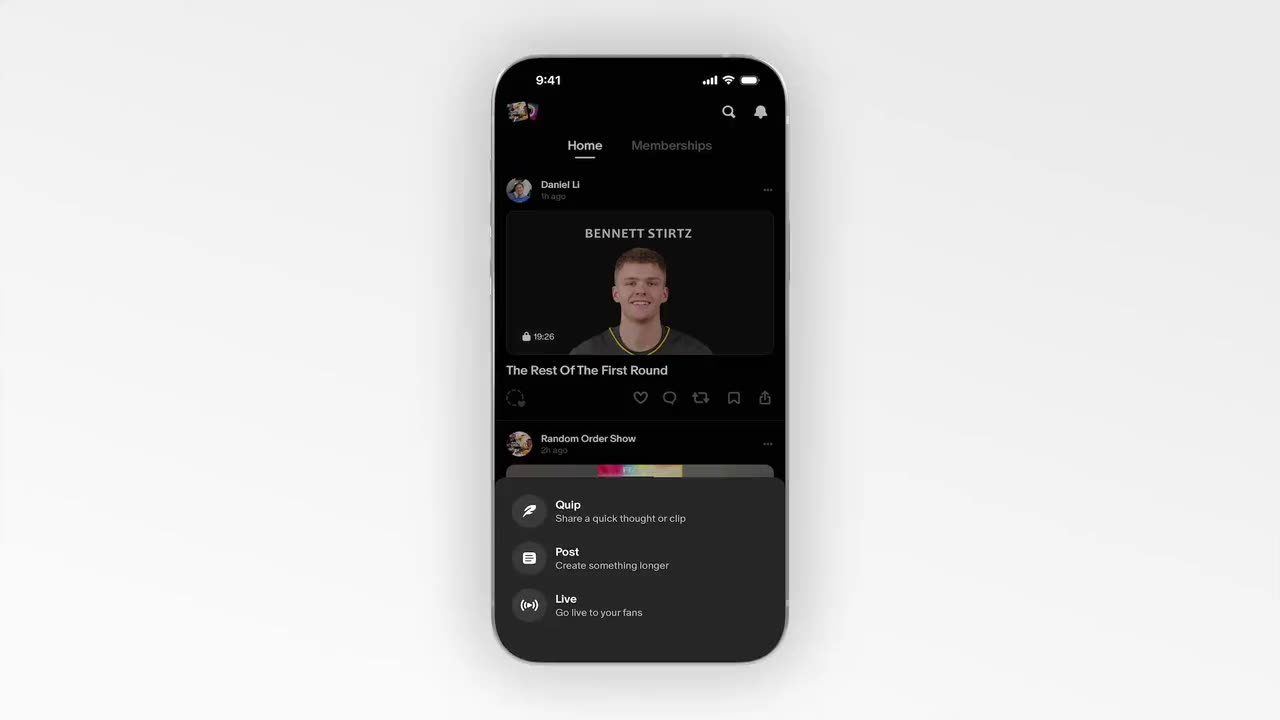
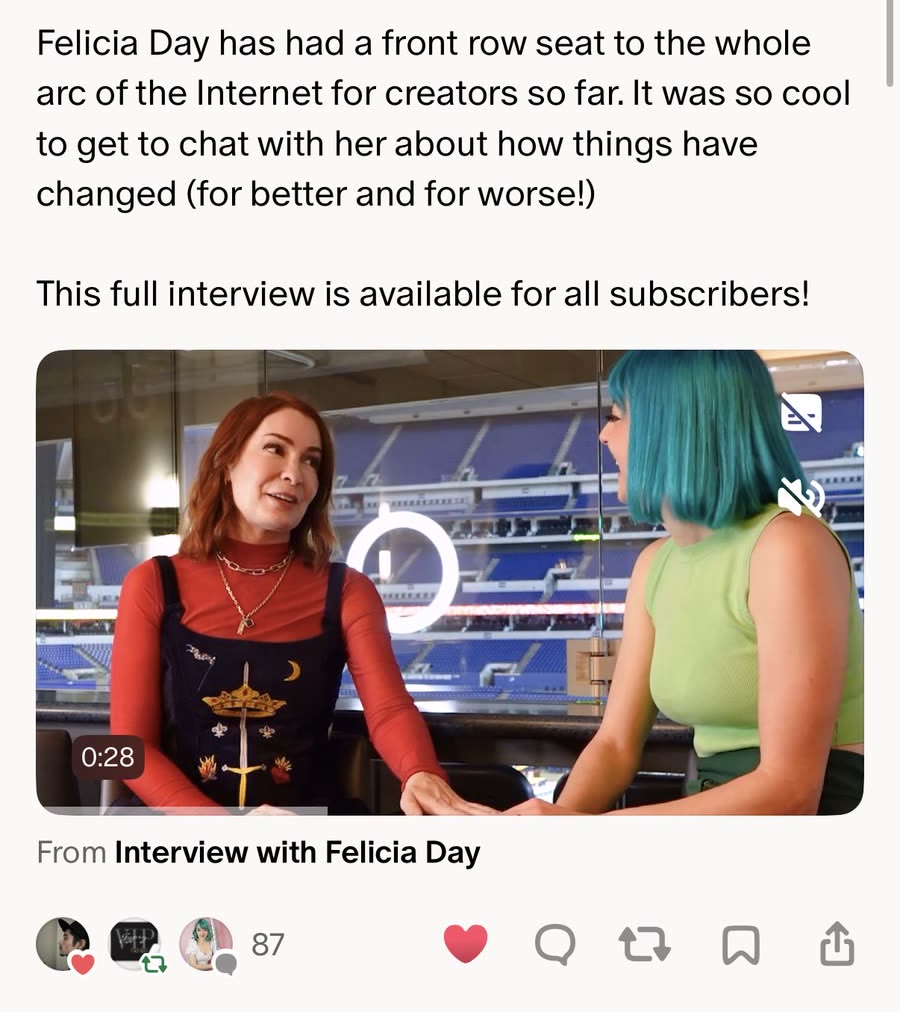
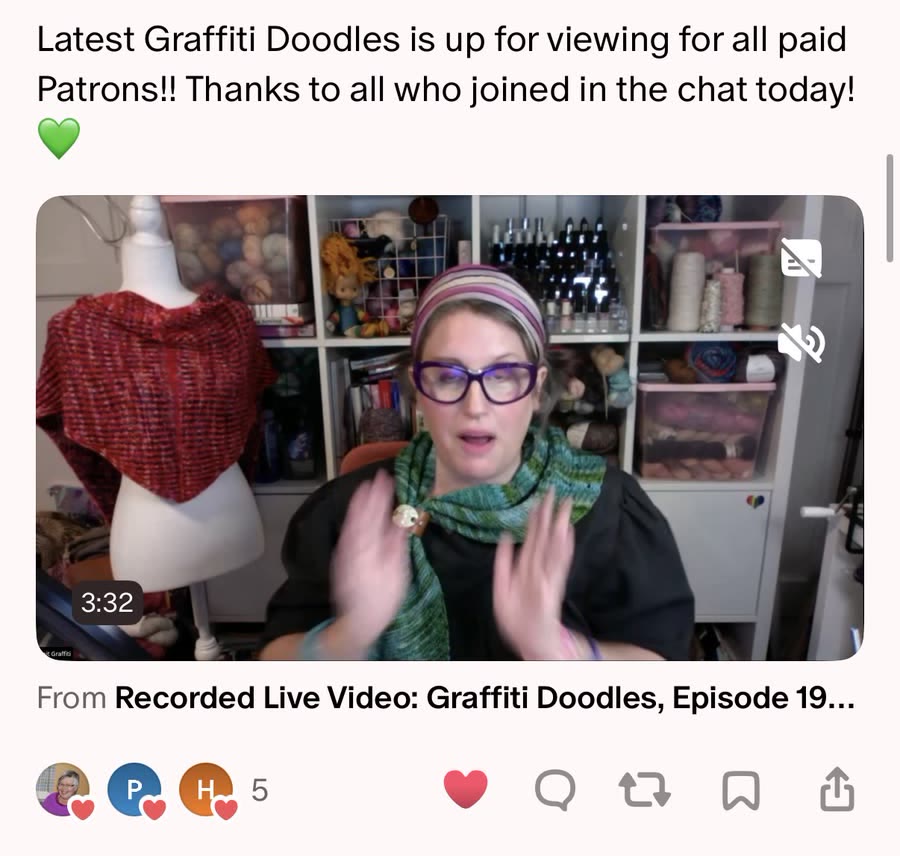
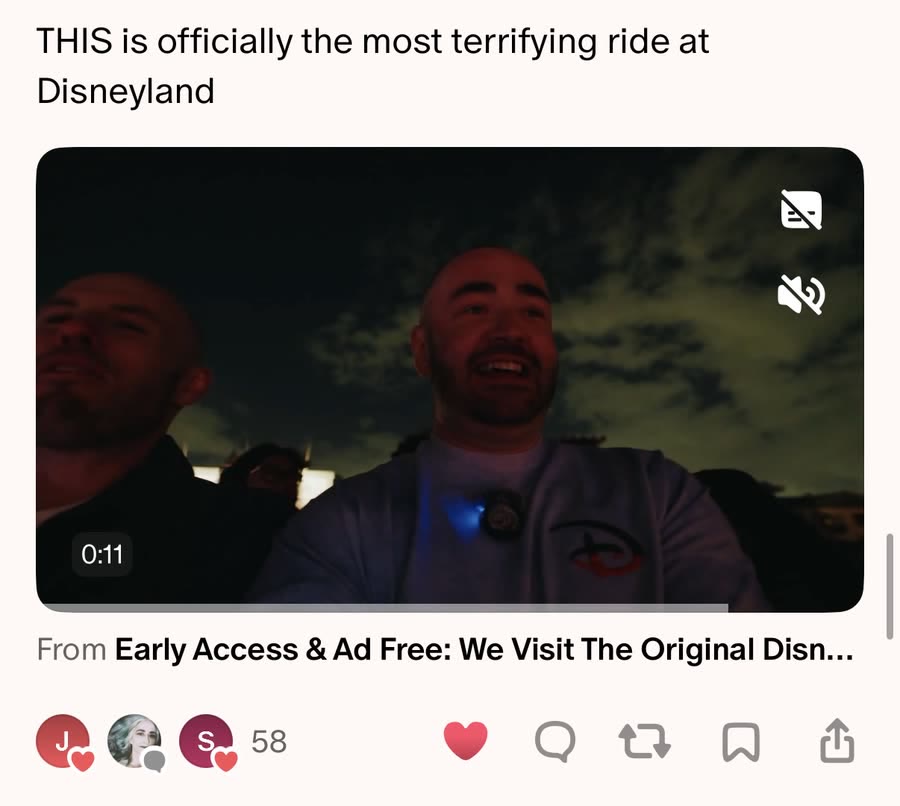
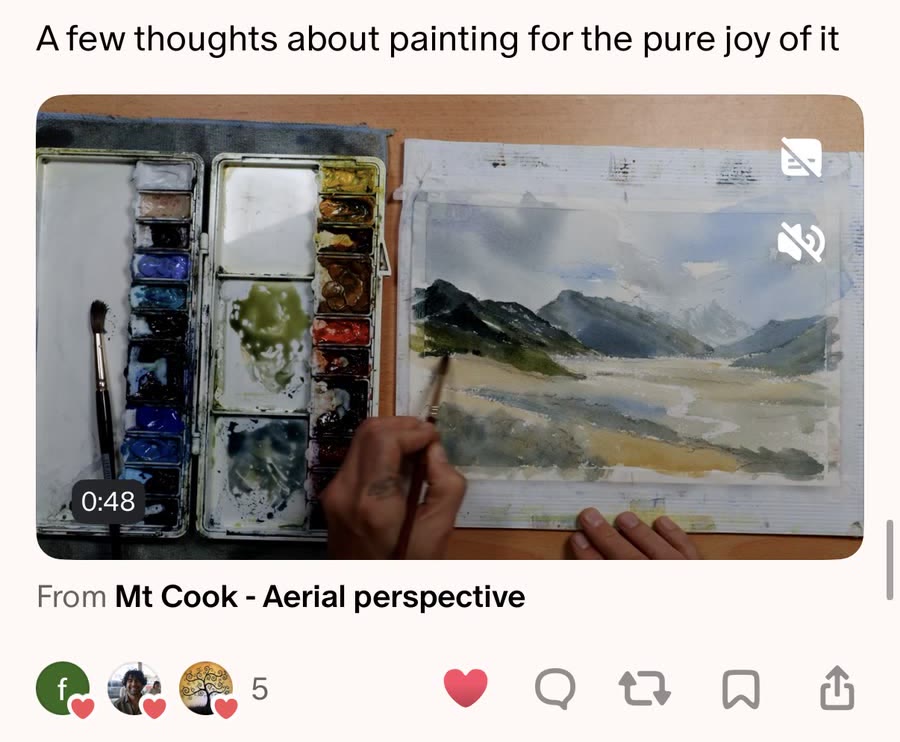
The core product decision was to make Clips feel like a natural extension of Quips, Patreon’s lightweight public posts that appear in the Home feed for existing fans and potential new audiences. Creators already understood the Quip composer as a place to make a lightweight post in the feed. They also understood you could attach artifacts from Patreon, like quoting a post or another Quip. Clips introduces highlights from their videos as another artifact. These are ultimately the creators’, so I also built a flow to download Clips locally.
Suggestions stay private until a creator chose to post. Creators review and add their own caption and nothing is published automatically; a “good” clip is subjective and the creator knows their audience best.
These principles were embed into the data model. Clips are private intervals. Only when a creator chooses a suggestion is the Clip created as a media asset that can be attached to a Quip or downloaded. This way, I avoided creating unused assets and unnecessary video processing until required.

Meet creators in their workflow
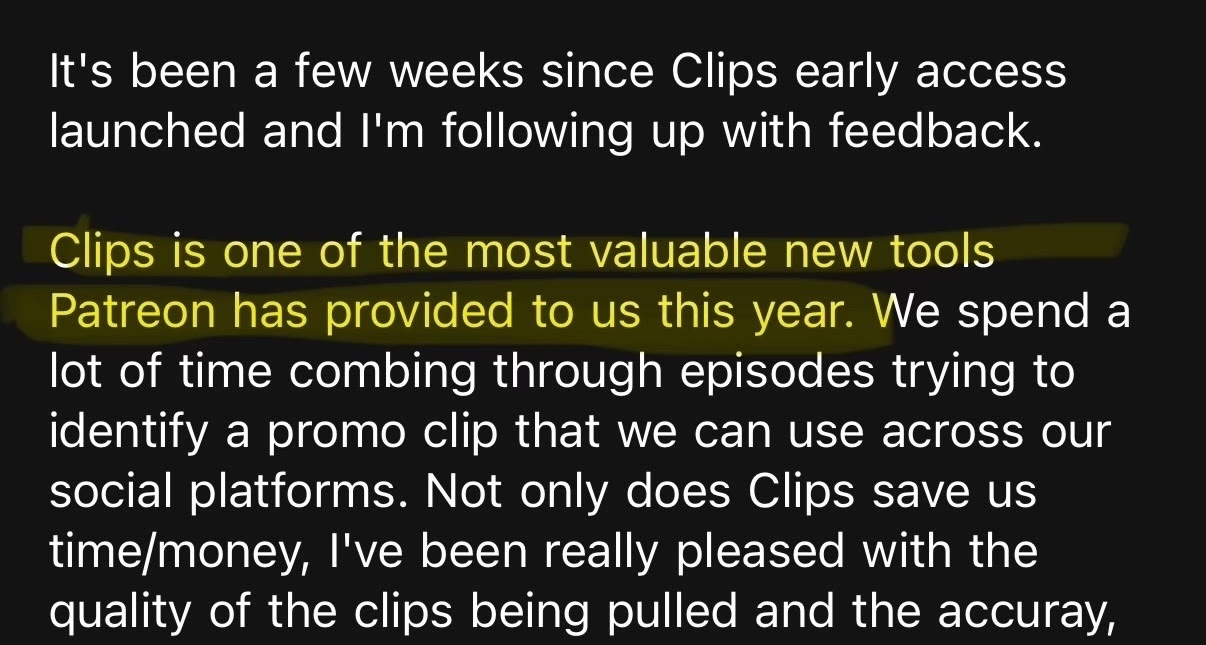
Within a month, I put Clips into a pilot with a small cohort of creators. I ran creator calls and understood that suggested Clips could feel like a natural next step after their publishing flow.
Leveraging push notifications
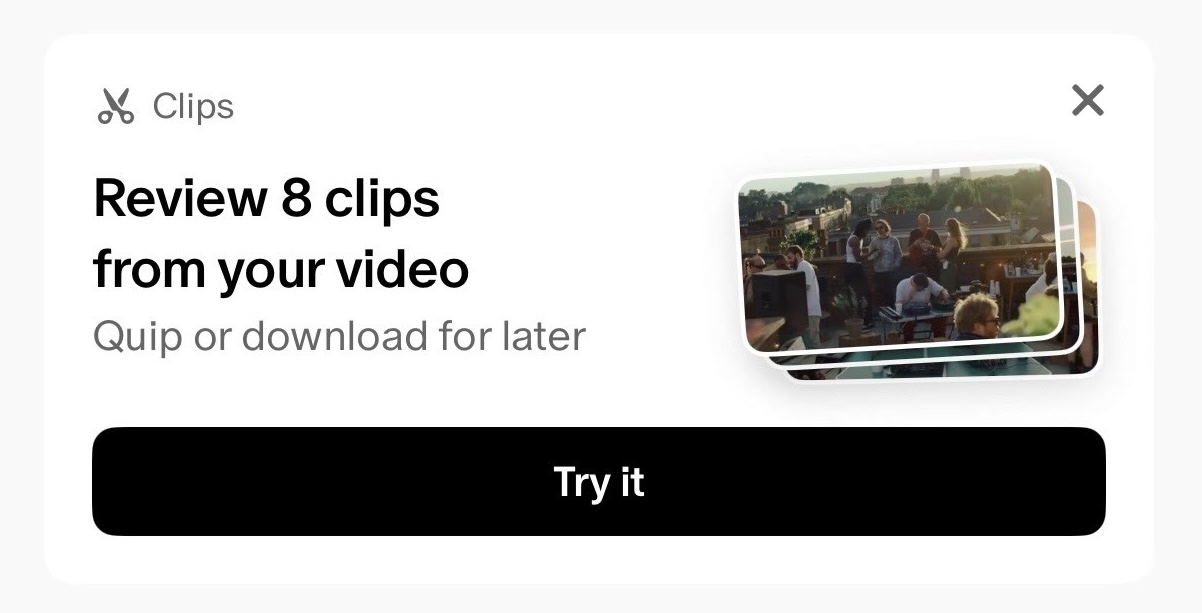
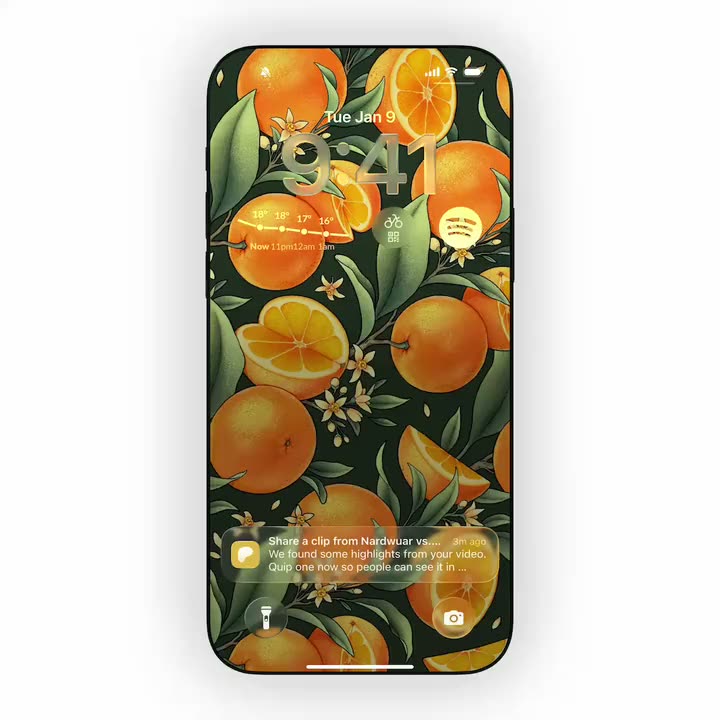
Clips meets creators in their workflow. After publishing a video, they received a push notification that deep links directly into the Clips library. The notification brings back creators when the system has something useful to show. If the pipeline failed, the creator can still publish; they just won’t receive Clip suggestions for that video.
What I measured
For the pilot, the success criteria was how many creators post their second Clip. It meant the creator found enough value to come back, review another suggestion, make an editorial decision, and share again. I also tracked supporting signals like watch and engagement on Quips with Clips, notification click-through rate, and qualitative feedback on Clip quality.
By the end of the pilot, all creators who responded to our emails reached the north-star behavior of Quipping a Clip more than once. In the creator debriefs, pilot creators asked to keep Clips on after the trial. One creator gave the cleanest product-market-fit quote of the project: “I wasn’t testing it, I was just using it.”
Let creator feedback reshape the product
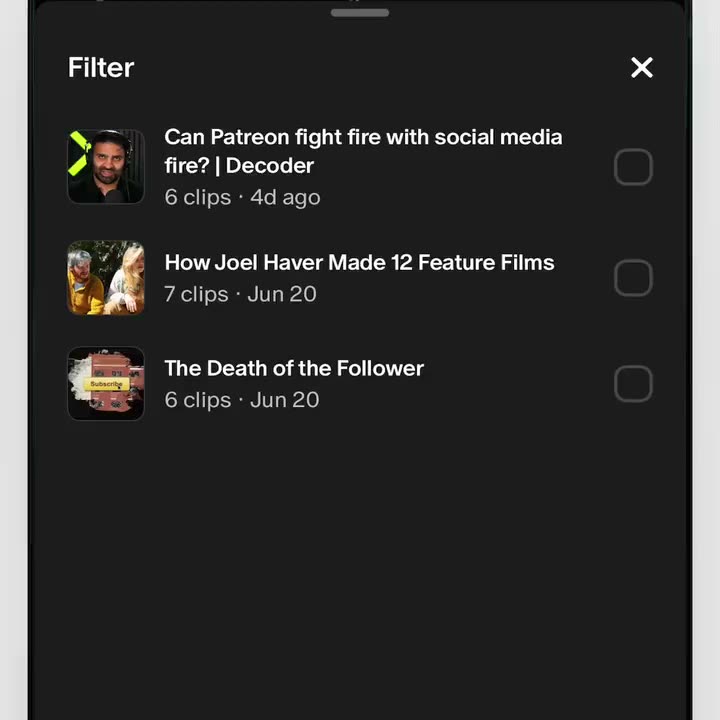
Feedback moved the interface away from a swipe-up feed of videos. Creators wanted a library organized around source posts, which meant the API needed to expose source posts, per-post generation state, and intervals grouped by video. APIs are meant to be flexible and not just a 1:1 representative of the database layer. I kept the swipe-up viewer for quickly moving through suggestions after a creator taps into a Clip, but made the entry point feel more like a library.
Every creator wanted review and editing before anything went live. One creator said even a millisecond off on the entry or exit point mattered, so I added pinch-to-zoom functionality for more granular trim control.
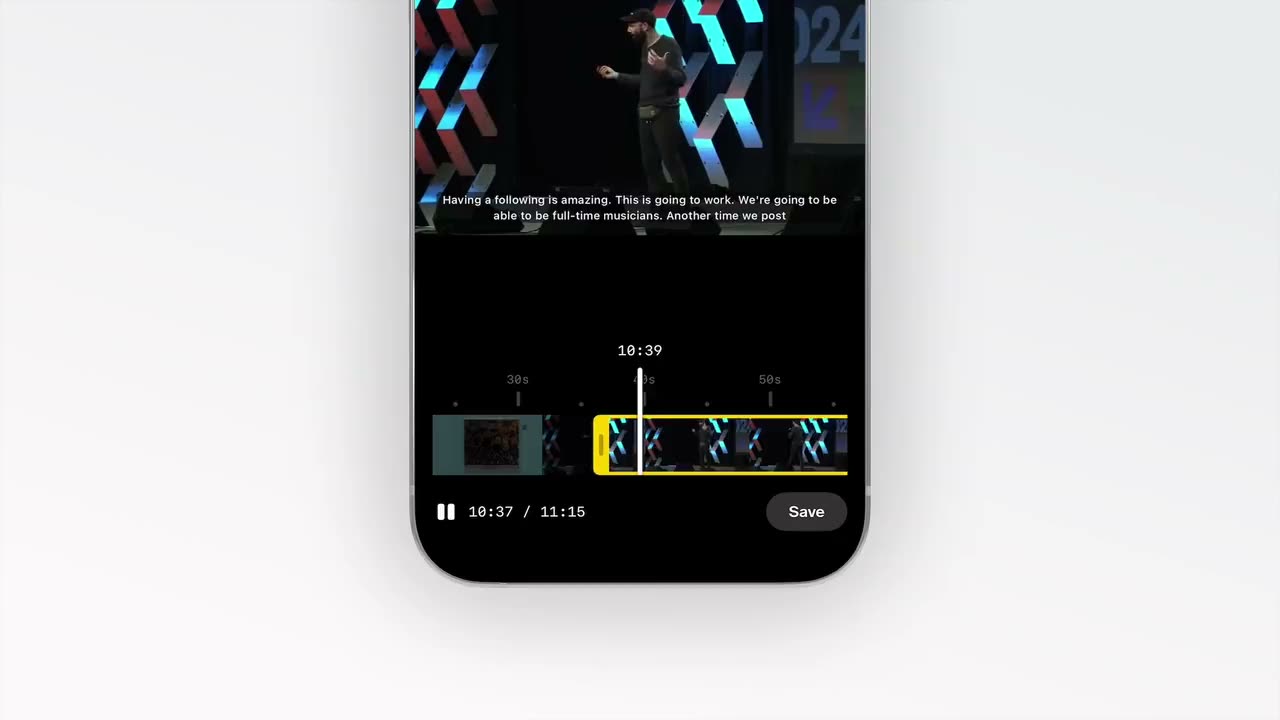
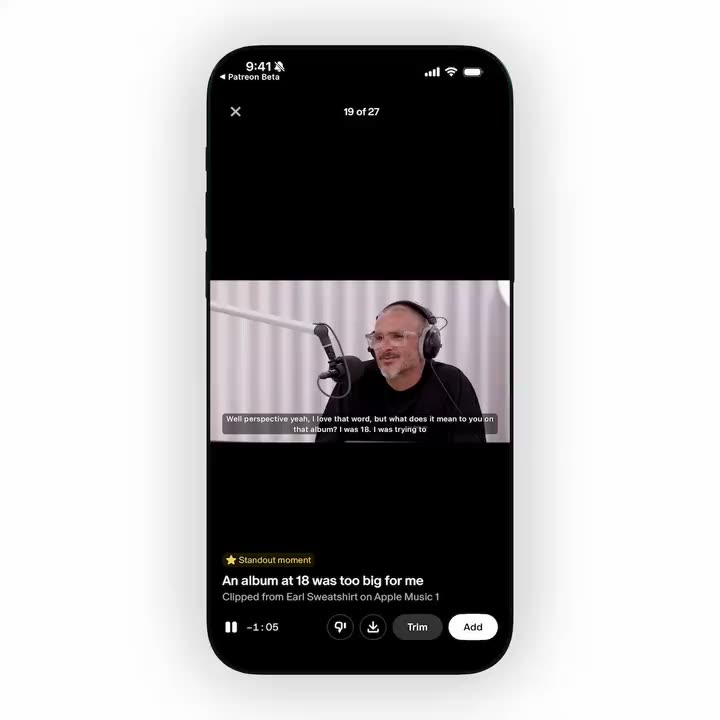
Creator feedback led to a simpler interface. Creators used thumbs down when a suggestion was of low quality. However, the thumbs up was rarely used. Instead, the “Add” action showed positive intent. I removed the thumbs up button, the scissors icon became a “Trim” label, and timestamp ranges became a negative countdown. I also introduced a condensed attribution to the source post. The positive feedback from the pilot gave us enough confidence to productionize.
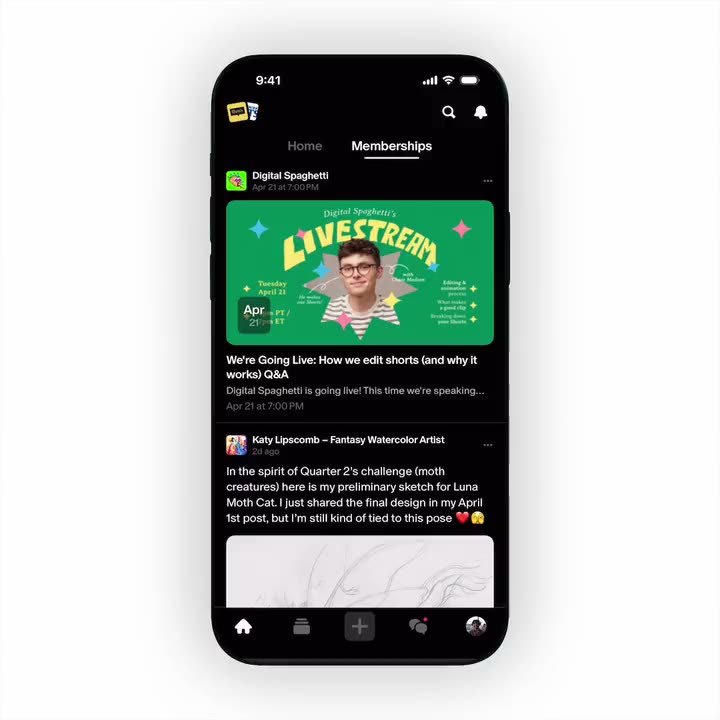
The pilot was a lot less polished than the final version, but was an invaluable learning tool. For example, there was no library interface at first. Instead, it dropped you straight into the swipe-up viewer. Based on feedback, I iterated. Inside the viewer, the biggest design learning was simplify - less, but better.
Build reusable foundations that scale
After the pilot, I cleaned up the prototype path so Clips had one production reference in our repos. The project went through the detail-oriented launch process Patreon expects for any feature. I held engineering reviews and a product risk review. I also participated in design crits. Before launch, I created runbooks, dashboards for observability and a plan for experimentation and rollout.
The production rewrite enabled me to build foundations beyond Clips. The backend models Clips as intervals from a source post so Clips can show up in other product surfaces. Chapters are an extension since they use titles and intervals, with the added constraint their intervals should not overlap. I wrote an LLM gateway for a typed, observable route to call multiple providers, track cost and latency by call site, validate structured outputs, and test prompt/model pairs against a golden set of videos. The focus of my work was writing a long-running, reliable pipeline that kept LLM calls out of the request path and maintained a list of auto-retrying failures. Each attempt writes to a ledger for bookkeeping. The remaining work was operational. I considered task timeouts and created a reaper for stuck generations. Clips become ready when interval rows are written. If Clip thumbnail generation is slow or fails, clients can fall back to the post thumbnail and still let the creator review the Clips.
In June, about a month after the pilot, Patreon introduced Clips in alpha as iOS workflow for eligible videos. Creators can browse suggested moments, trim them, and attach them to a Quip.
Evaluations
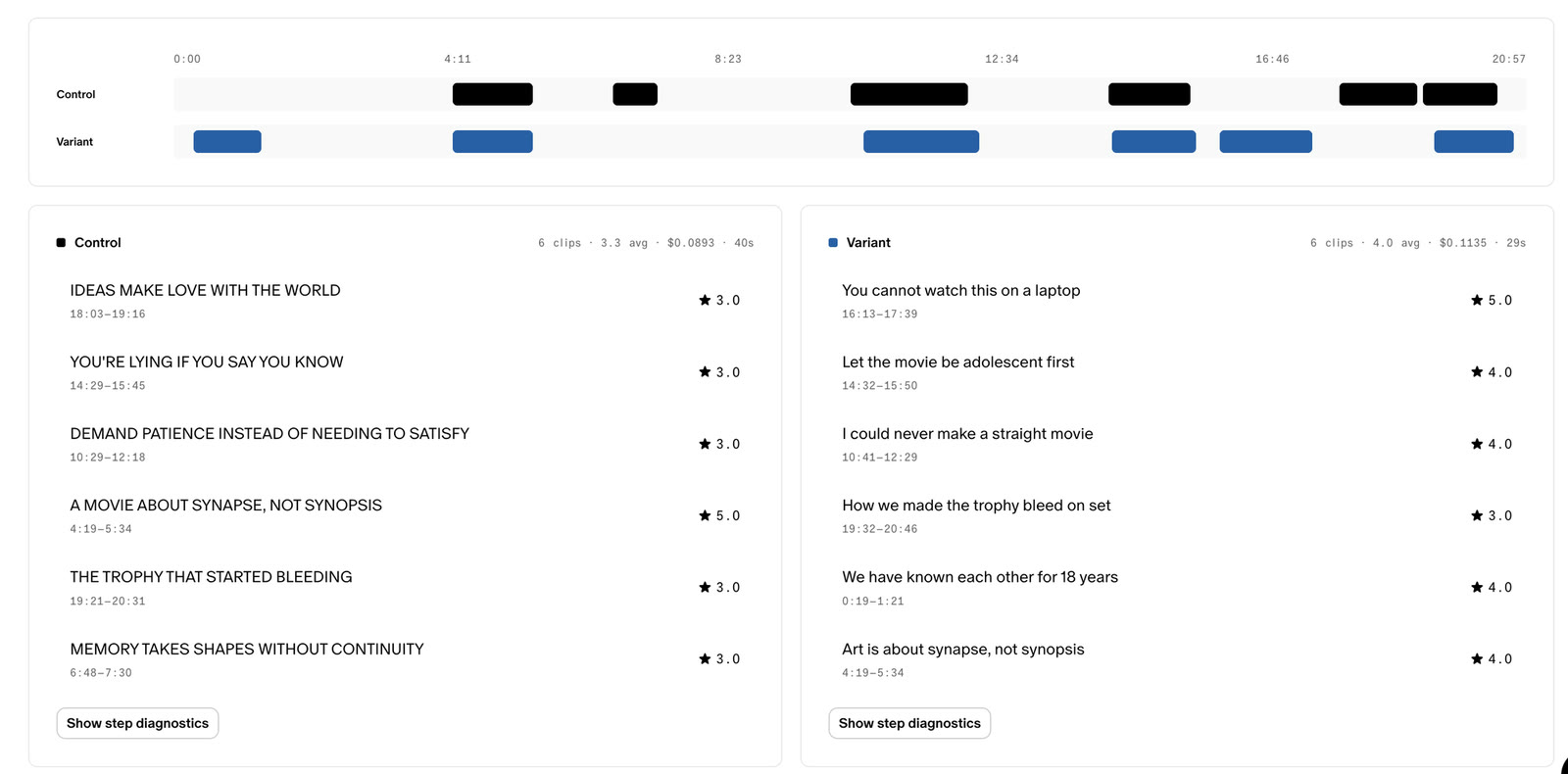
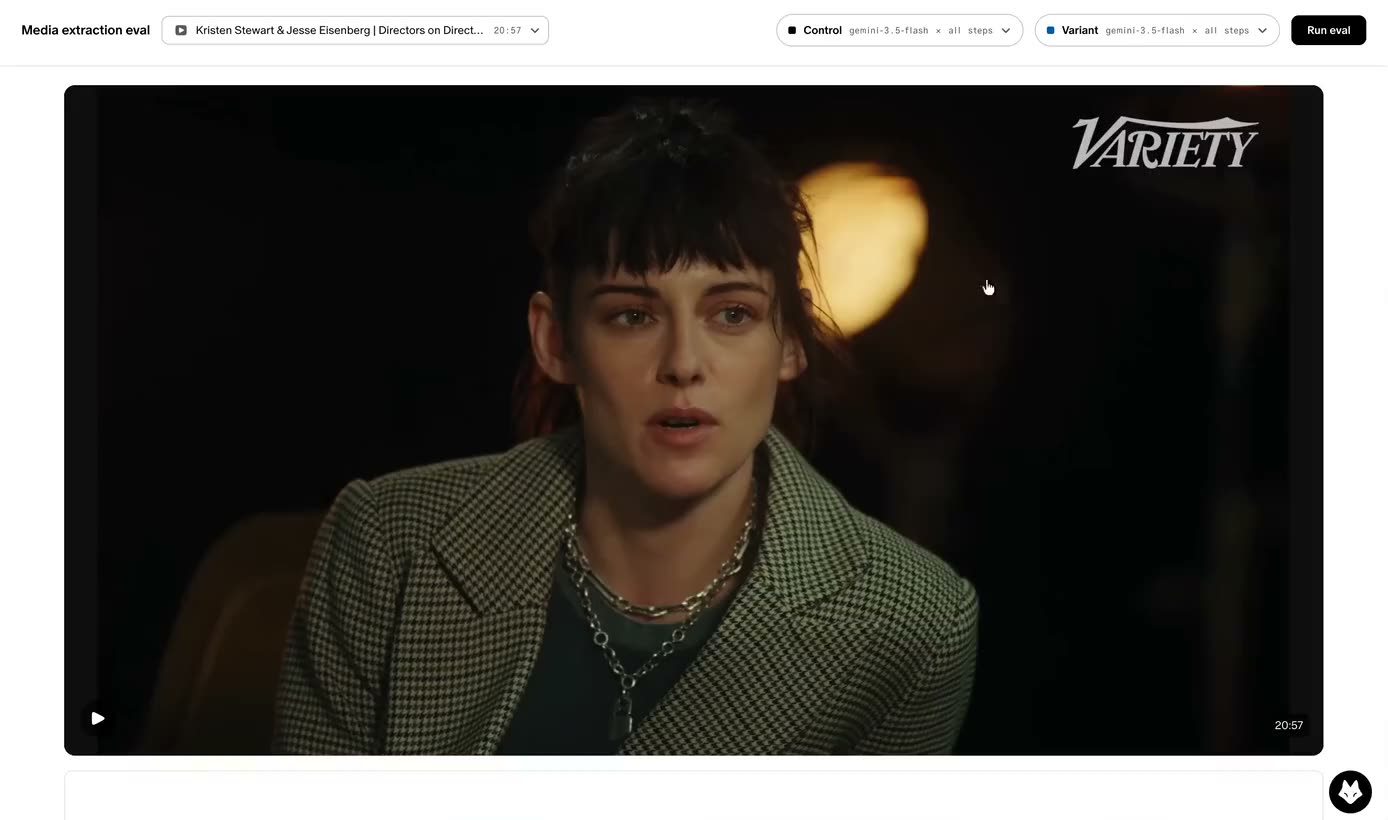
For evaluations, Thomas, a machine learning engineer at Patreon, had prototyped a workflow. I built on that foundation and turned it into a formal evaluation tool. I ran the pipeline hundreds of times with different creator archetypes. The evaluation tool leveraged the LLM gateway I wrote. It let me compare outputs and improve cost or latency. I adjusted the prompts to avoid filler starts or mid-thought endings, missing context, and titles that didn’t summarize well.
As Clips moved toward a wider rollout, feedback became part of the system. Each Clip can collect structured feedback and optional comments.
Earn trust through the small details
I recently read Josh Puckett’s Interface Craft, where he writes about Facets of Quality: external characteristics you want people to experience when using your product.
For Clips, my facets were:
- Playful
- Clips should feel light and satisfying to explore.
- Precise
- Clips should feel editorially trustworthy.
- Quietly useful
- Clips should save creators time and the feature should not be the main character.
- Native
- Clips should feel like it belongs in Patreon’s creation workflow.
Seen state entry point animation
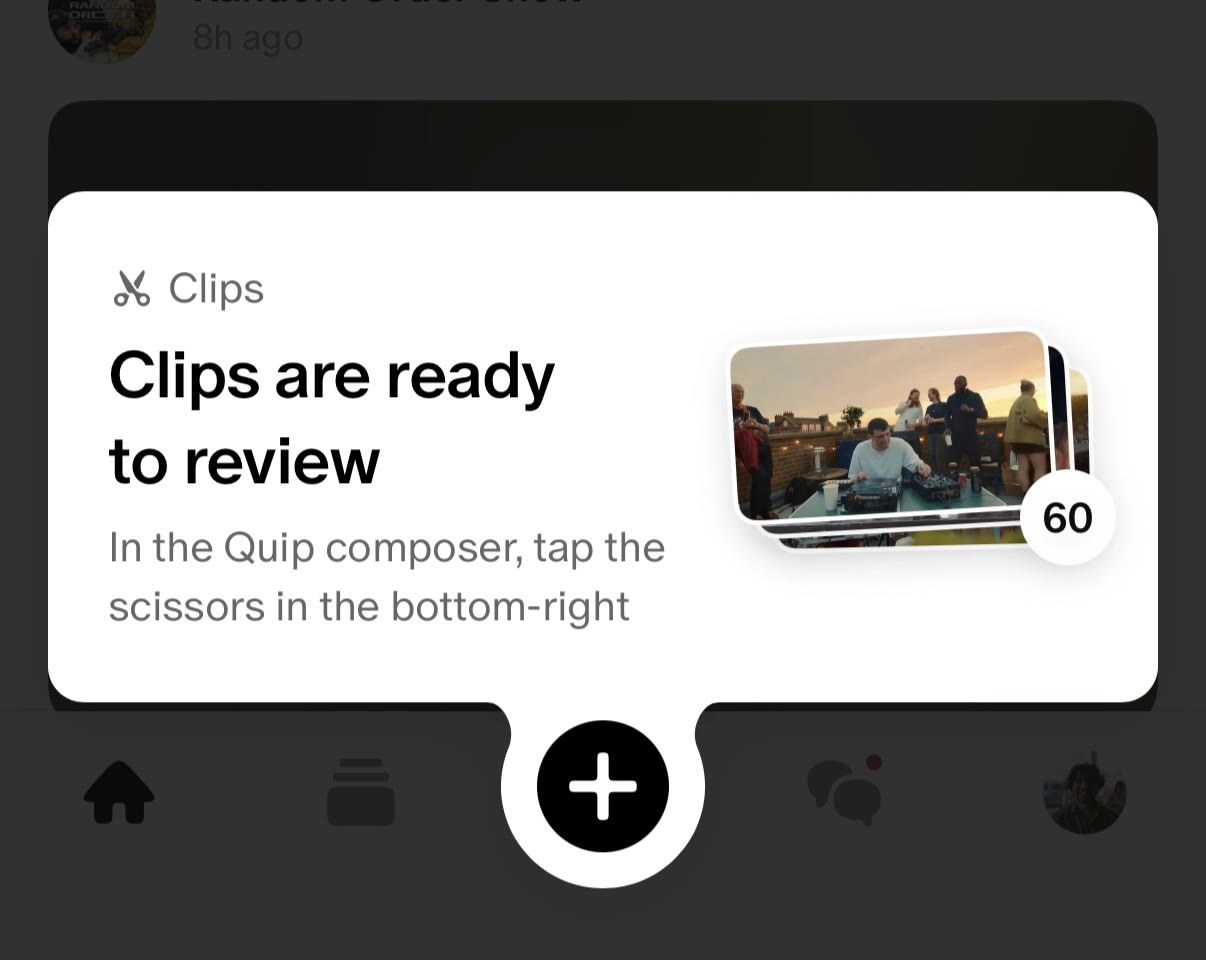
If you haven’t seen this animation or your Clips yet, this will fire upon open the Quip composer to let you know there are new Clips awaiting your review.
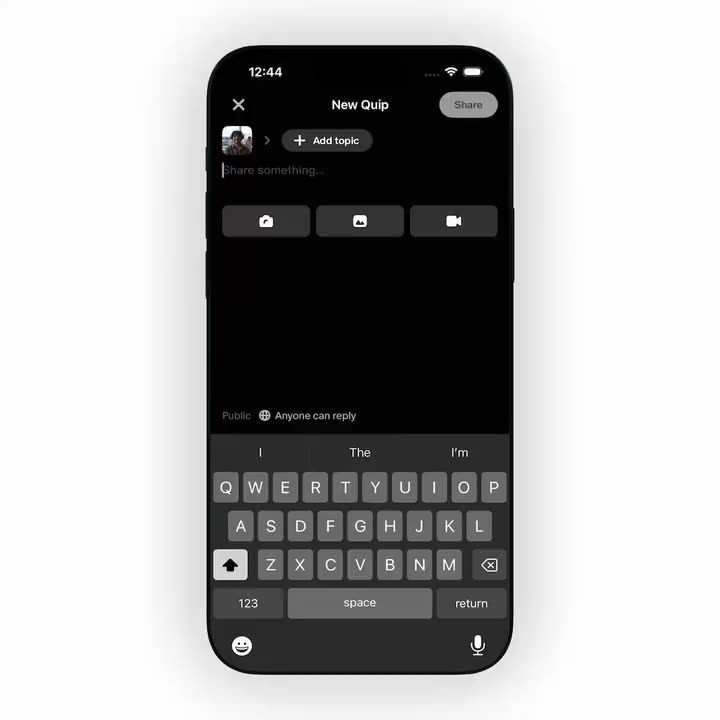
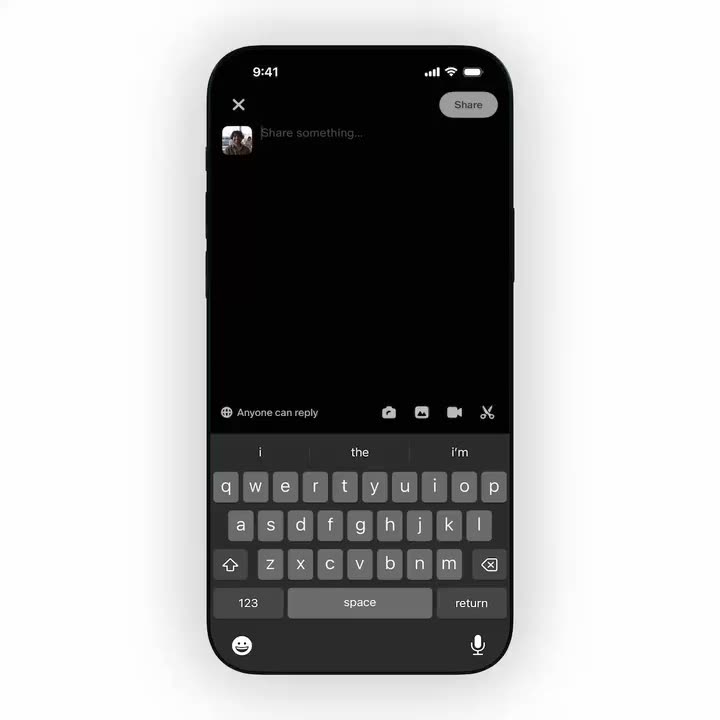
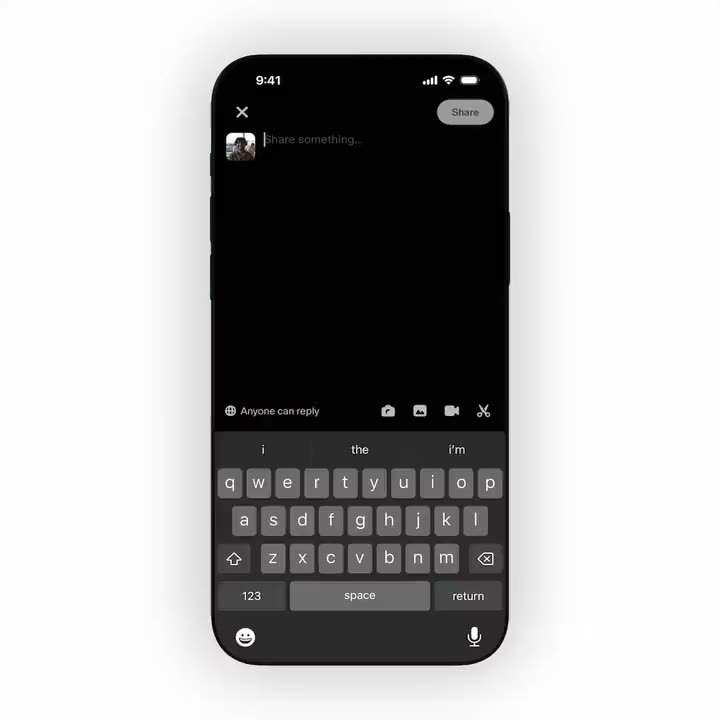
Revising the Quip Composer
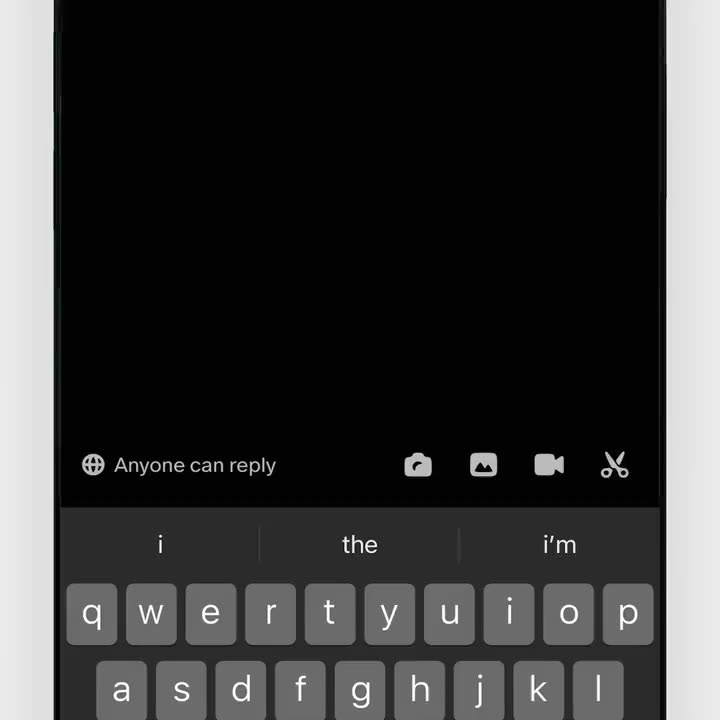
A product designer, Nathan, and I worked together to revise the Quip composer. This project consolidated actions into a bottom toolbar, made disabled states clearer, reduced the visual weight of the old media buttons, and gave Clips a durable entry point. The new treatment ran as an experiment and was directionally positive: total posts and text-only Quips increased and image and video Quips stayed neutral. Instead of simply adding a Clip entry point to the existing composer, we improved the overall craft of the surface.
New user experience
I worked with another product designer, Justin, to create the new user experience.
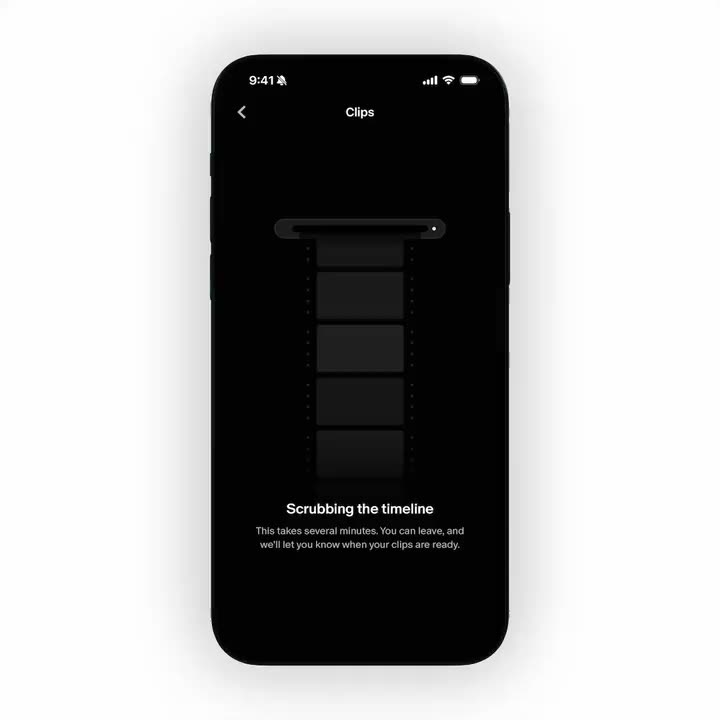
Initial loading state
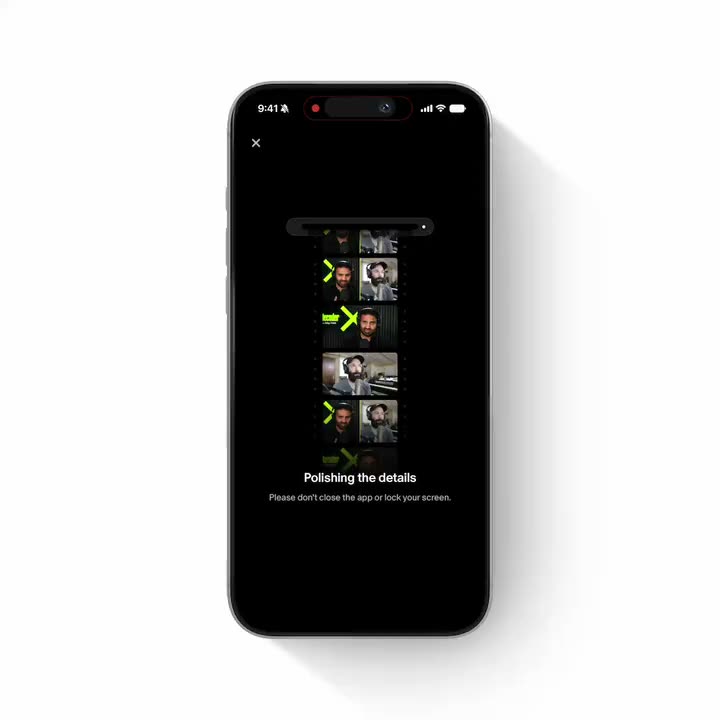
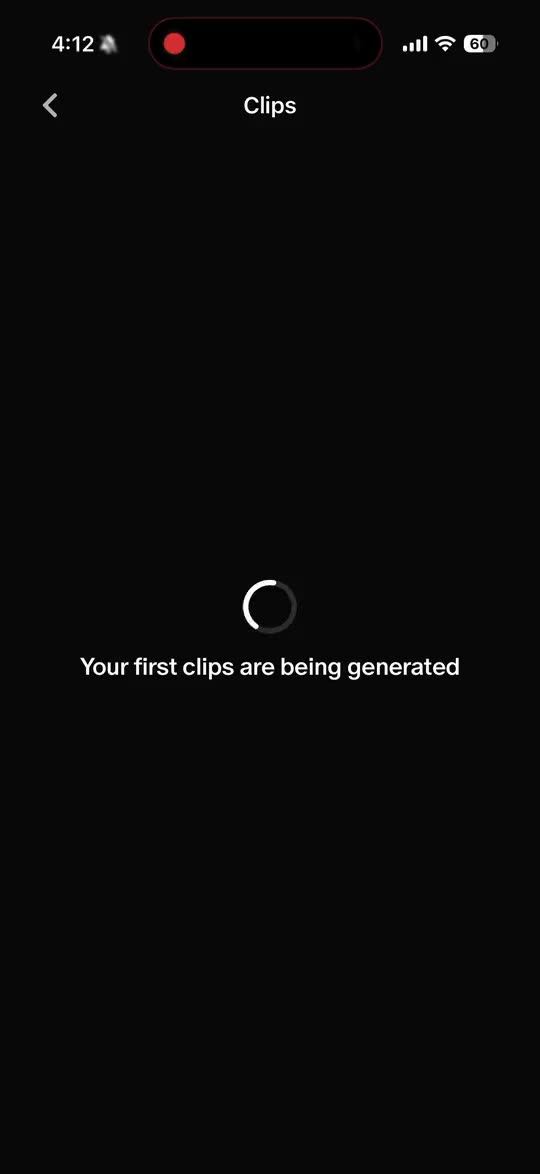
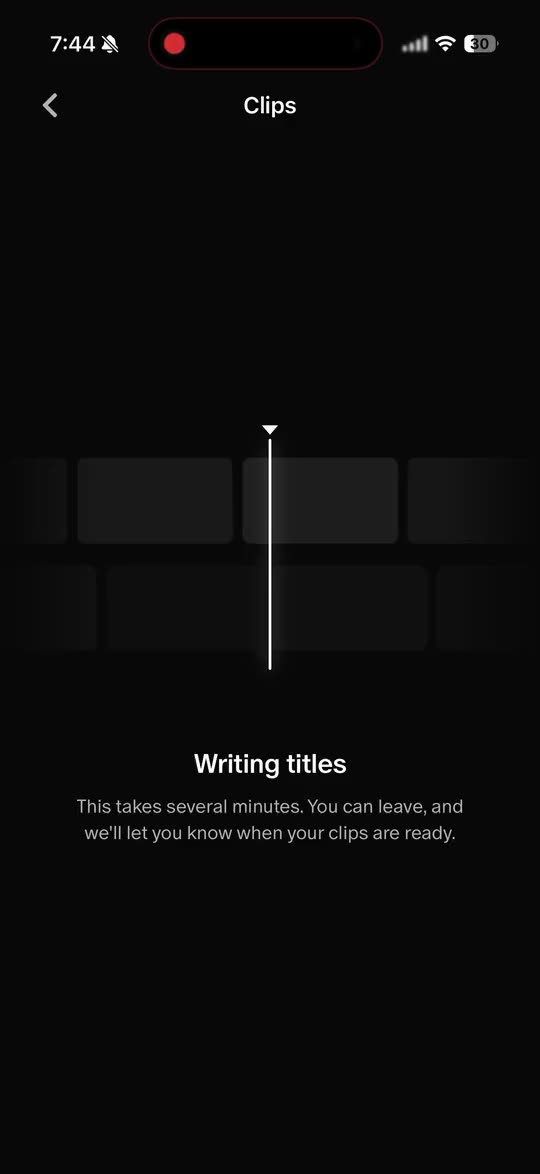
In most cases, creators will publish a post and be prompted via notification to explore new clips. At this point, the view will be populated and once you have clips, the library will always show them. However, this screen may be their first impression of this feature, so I spent some time polishing here.
These were earlier explorations I had.
Download states
While the primary action is attaching to a Quip, it’s important creators can take their work off-platform by downloading a Clip.
Filter adjacent rows
Adjacent rows morph corner radii.
Future iterations
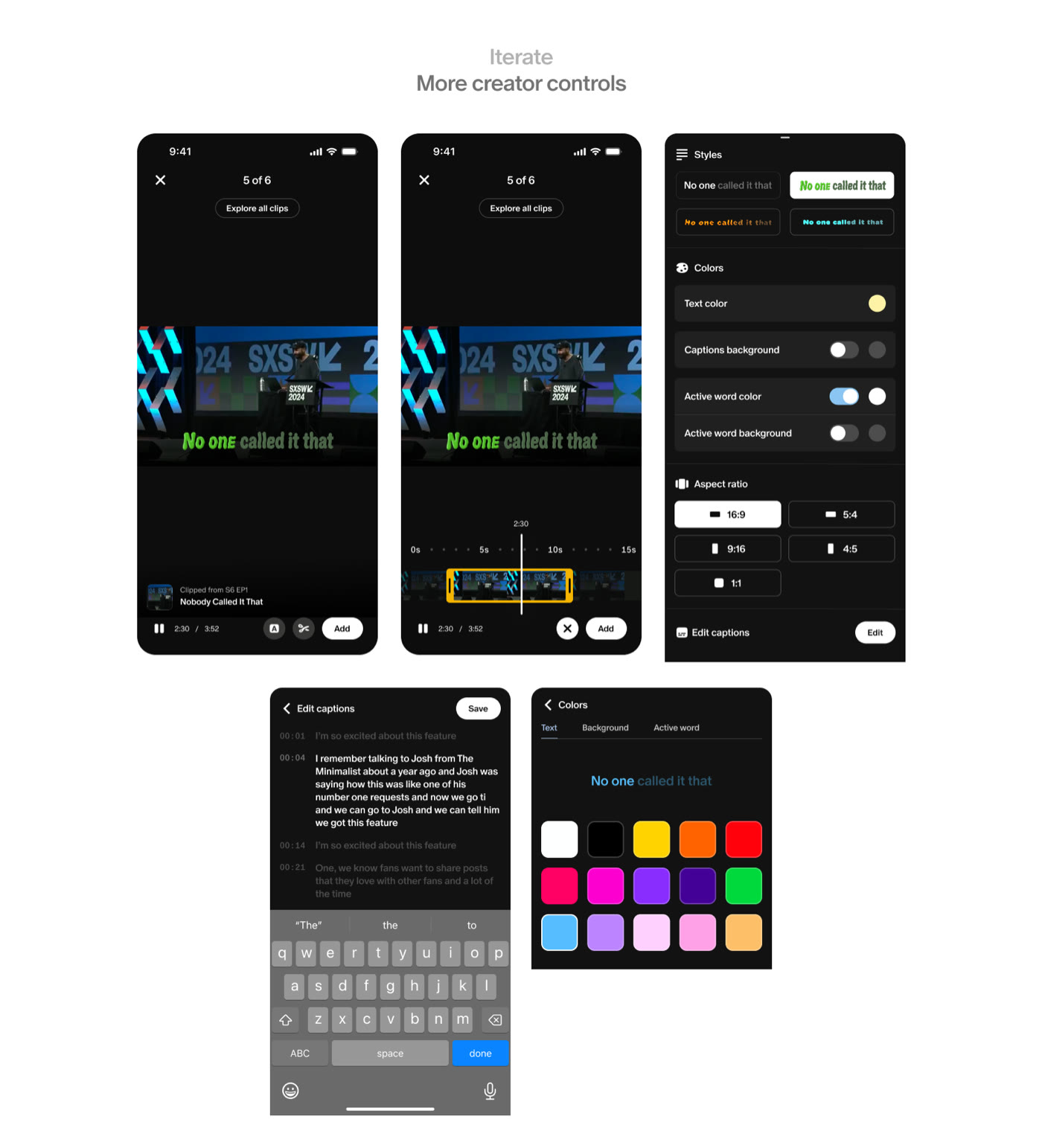
More creator controls
I want to continue to empower creators with more tools so they are in control. Examples include burnt-in captions with fun styles, selection of text colors, aspect ratios, and the ability to edit captions.
Entry points
From the Creator Ambassador Program chat, one piece of feedback I received was: “It’s a beautiful feature hidden away.” That feedback encouraged me to explore other entry points. Featured Clips and the library flows are useful atoms. The feature can appear when useful.
Conclusion
One of Patreon’s core values is to “Put Creators First”. Clips works because it finds useful moments, lets creators’ adjust it, and leaves the decision to post in their hands.
Thank you to the entire team at Patreon – a special shoutout to Ann, Cat, Jason, Lois, and Thomas who envisioned how we may surface clips in the product late last year, Kanika and Mary Ellen for helping run the pilot, Alexander, Bhavik, Haley, Sam, and Shannon for supporting this workstream, and Justin, Nathan, Sharon who critiqued my design work.